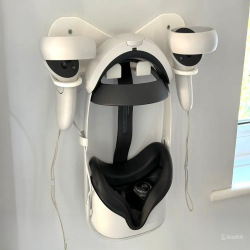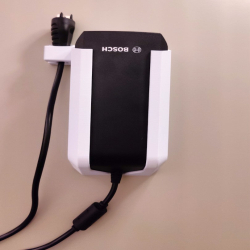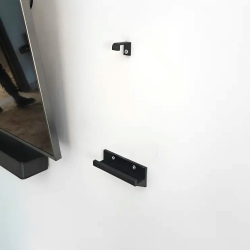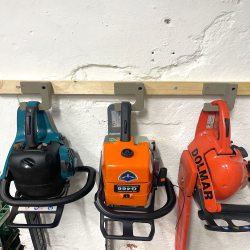
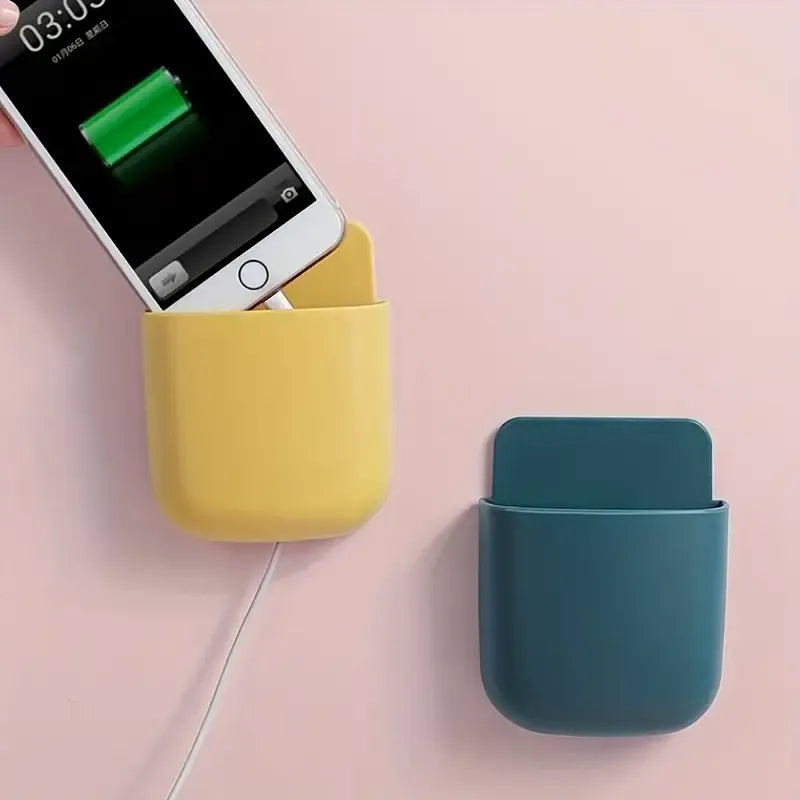


Organize your devices with this versatile wall-mounted holder, designed for smartphones and remote controls. Crafted from durable plastic, it features a convenient cable entry point, allowing you to charge devices while keeping cords tidy.

Delivery policy

Return policy
Organize your devices with this versatile wall-mounted holder, designed for smartphones and remote controls. Crafted from durable plastic, it features a convenient cable entry point, allowing you to charge devices while keeping cords tidy. Easily attachable to walls, cupboards, or doors using double-sided adhesive tape, this holder saves valuable surface space. Its minimalist design complements any decor, making it ideal for homes, offices, or workshops. Keep your devices accessible and your space clutter-free with this practical storage solution. (Adhesive tape are not included)
Compatible with smartphones and remote controls
Integrated cable entry for convenient charging
Durable plastic construction
Easy installation with double-sided adhesive tape(Adhesive tape are not included)
Sleek, minimalist design complements any decor
Material: Durable plastic
Color: All colors are available
Mounting: Wall-mounted using double-sided adhesive tape (Adhesive tape are not included)
Compatibility: Suitable for most smartphones and remote controls
Dimensions: Designed to accommodate standard device sizes
1× Wall-Mounted Smartphone & Remote Holder with Cable Entry
(Adhesive tape are not included)
Select a suitable location on your wall, cupboard, or door.
Clean the surface to ensure proper adhesion.
Attach double-sided adhesive tape to the back of the holder.(Adhesive tape are not included)
Press the holder firmly onto the chosen surface.
Place your smartphone or remote control into the holder.
Thread charging cables through the integrated cable entry as needed.

Specific References
Organize your devices with this versatile wall-mounted holder, designed for smartphones and remote controls. Crafted from durable plastic, it features a convenient cable entry point, allowing you to charge devices while keeping cords tidy.